Stop writing bug reports.
Just test.
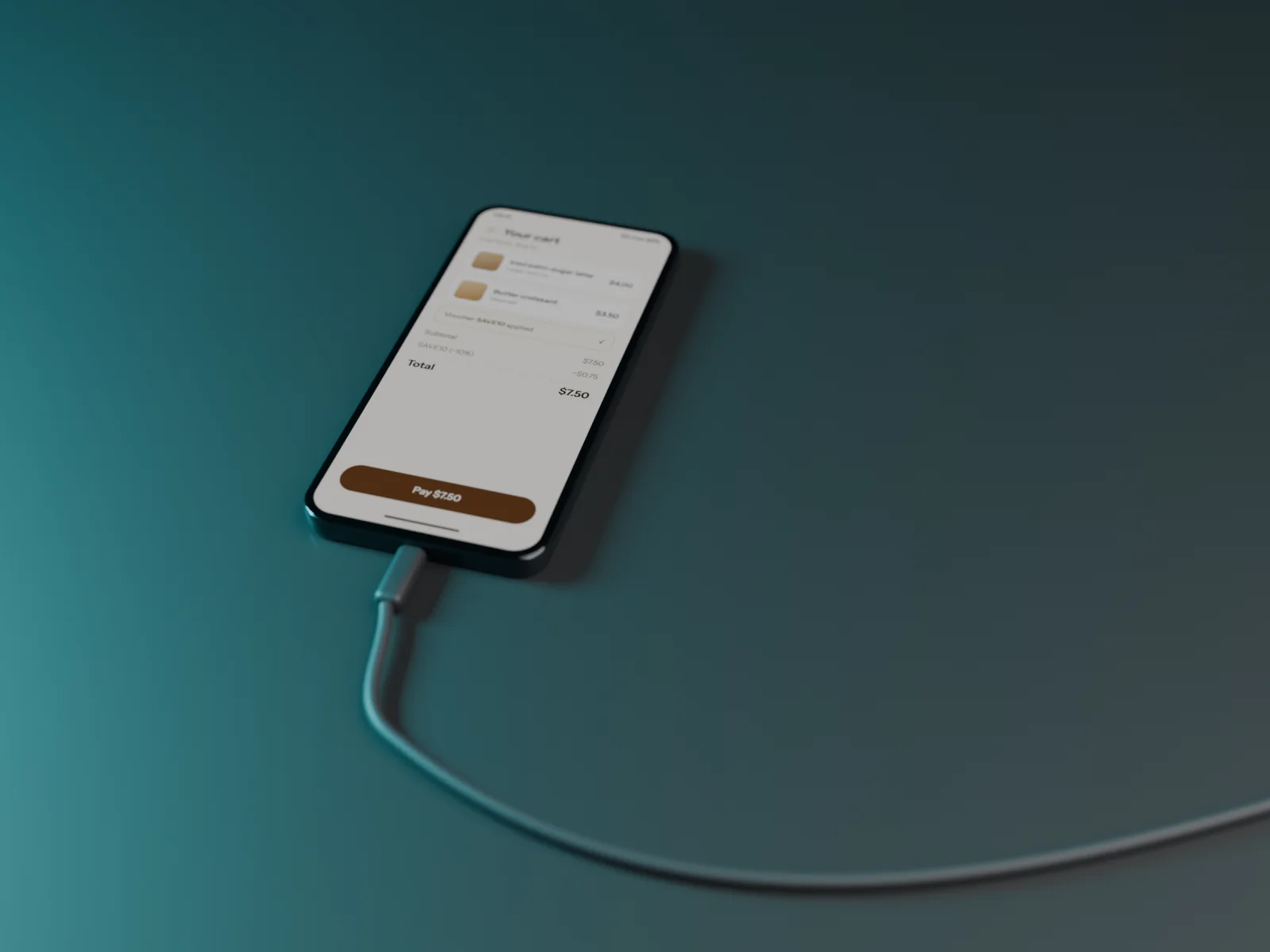
Run your manual tests on a real phone like you always do. Flawdar watches every step, catches what doesn't match the test case, drafts the bug with the clip and the log lines, and updates the test run while you keep testing.
What happened in that loop
The same thing that happens in every Sweep. You keep testing by hand; the write-up and the bookkeeping stop being your job.
-
01
Plug in a phone
Android connects to Chrome or Edge over USB. No install, no emulator. Sweeps run on Android today; iPhone is in beta for Vision tests.
-
02
Test by hand, mark the steps
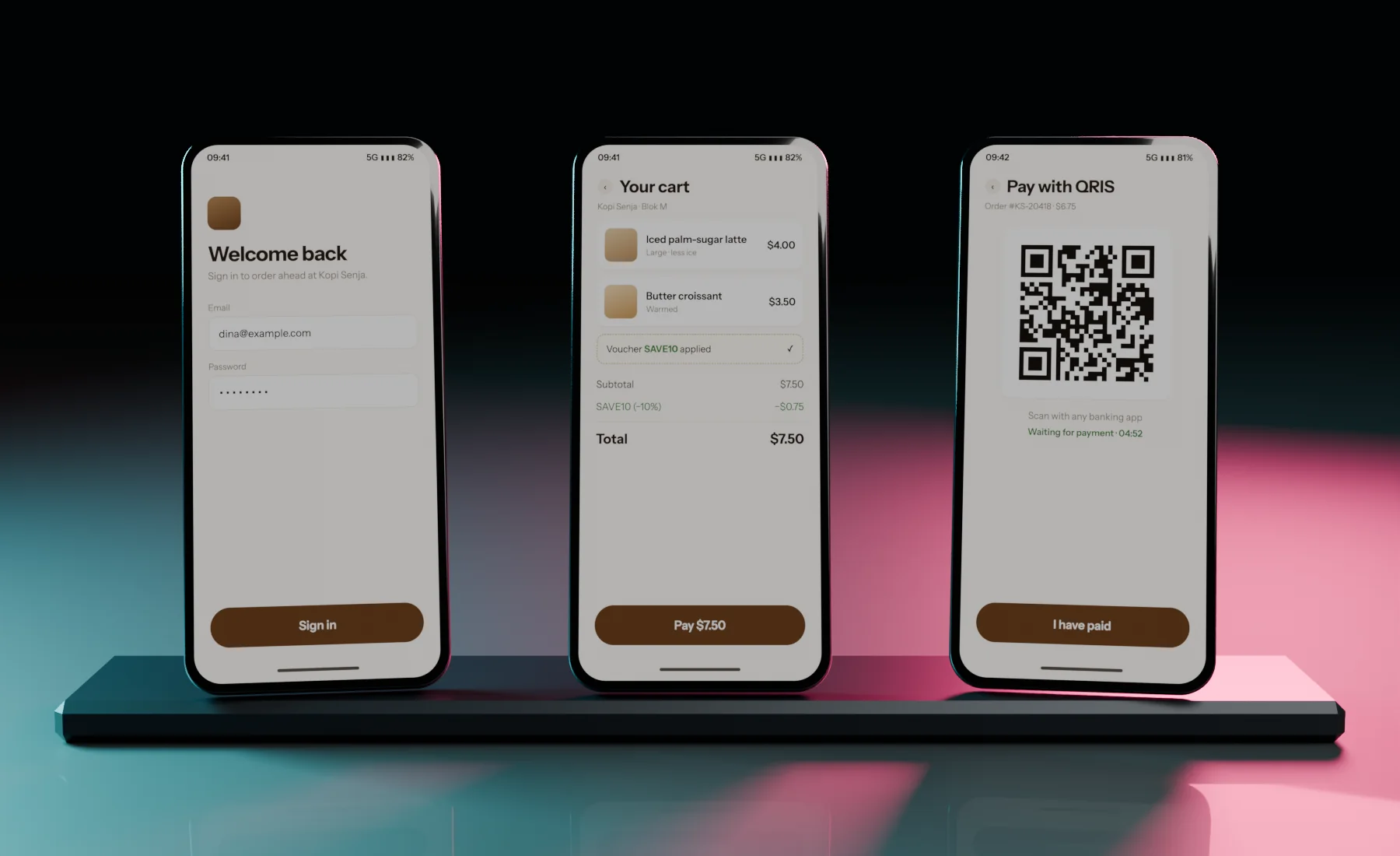
Pick a test case or let AI read a GitHub PR and propose scenarios. Press Next step when a step is done. The screen and the logs are recorded the whole time.
-
03
AI judges every step
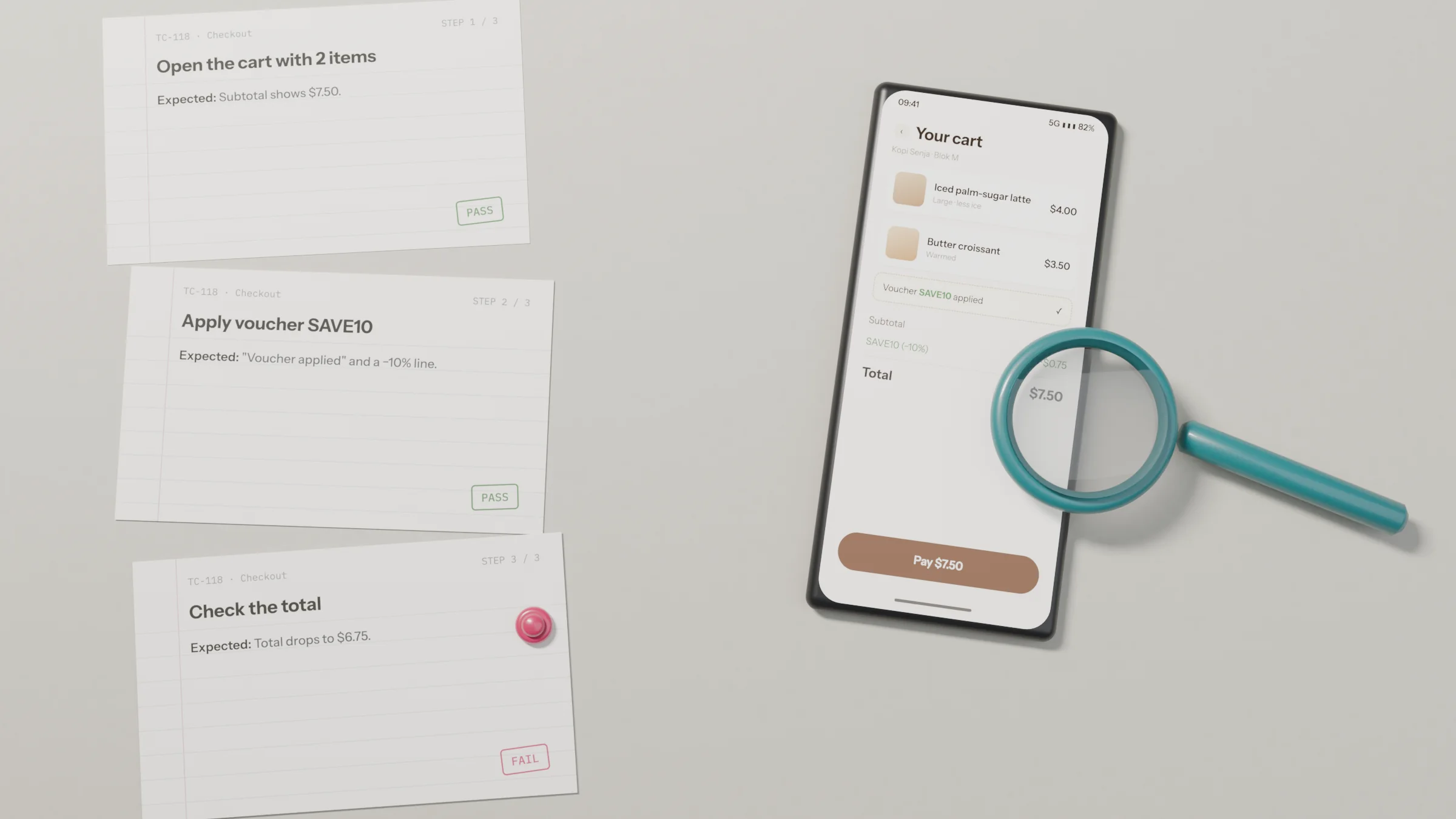
Each step's screen is compared with its expected result. When something is off, Flawdar points at the moment, the log lines around it and the likely cause.
-
04
The test run updates itself
Results land in the test run as Flawdar AI, with the clip and screenshots attached. Bugs arrive as drafts you confirm before they go to Jira or the PR.
One regression day, twice
Same app, same test cases, same QA. The testing doesn't change. Everything around it does.
Without Flawdar
- Keep notes of what you did, step by step
- Take screenshots, then hunt through a 20-minute recording
- Scroll logcat to guess why it broke
- Write the bug: steps, expected, actual, environment
- Set every test case in the run by hand
- Write the QA sign-off for the PR
The write-up happens at the end of the day, from memory.
With Flawdar
- Press Next step when a step is done
- Frames per step and a clip of the bug are cut for you
- The likely cause comes with the log lines that show it
- The bug arrives as a draft you confirm, then send to Jira
- Statuses fill in as Flawdar AI, with evidence attached
- The sign-off is posted to the PR from the same screen
The verdict is ready seconds after you stop recording.
Built by a mobile QA engineer
Flawdar started on a QA engineer's desk. Finding the bug took minutes. Writing it up, cutting the video, digging through logcat and updating the test run took the rest of the afternoon, every release.
So the parts that aren't testing went to software, and the part that is testing stayed with the person holding the phone.
One workspace for the whole test cycle
Sweep is the part nobody else does. Around it is everything a QA team needs, so results don't live in three different tools.
Test management
Projects, sections, test cases with steps, test runs, milestones and reports. Statuses fill in from Sweeps and Vision runs.
CoreVision regression
Write a test in plain language. AI runs it on a real phone through the screen, records the path, then replays it cheaply on every build.
Android · iPhone betaRepo & PR
Install the GitHub App. AI reads a pull request, maps the risk, proposes test scenarios and posts the QA sign-off back to the PR.
GitHubTest case generator
Describe a feature or drop in screenshots. You get positive, negative and edge cases with steps, ready to save into a section.
AIGhost Writer
Hand it screenshots, a recording or a log. It looks for the cause first, then writes a clean bug report you can send to Jira.
AIFlawdar Connect
A small command-line tool that hosts phones without a browser tab: Android for overnight Vision runs, and iPhone for Vision tests in beta.
macOS · Linux · WindowsWorks with GitHub, Jira, Slack and Microsoft Teams.
Pricing
Every plan has every feature. Standard costs less per month than one hour of a QA engineer's time. Plans differ in AI usage, storage, video retention and phones at once. Early pricing, per QA.
Standard
$29per QA / month
- AI usage
- Starter
- Storage
- 10 GB per QA
- Videos kept
- 30 days
- Phones at once
- 1 per QA
Pro Most teams
$99per QA / month
- AI usage
- Extended
- Storage
- 50 GB per QA
- Videos kept
- 90 days
- Phones at once
- 3 per QA
Max
$299per QA / month
- AI usage
- Intensive
- Storage
- 200 GB per QA
- Videos kept
- 365 days
- Phones at once
- 10 per QA
Free for 14 days. No card needed. Bring a phone and a USB cable.
Enterprise. Single sign-on, your own storage, your choice of AI models, an NDA and invoices. Talk to us.
AI usage shows as a percentage with a weekly window and a 5-hour window, like an AI chat app. At 100% you wait for the reset or move to a larger plan; test cases, runs and reports keep working.
Questions
Something else? support@flawdar.com
Do I need to install anything?
Not for Android. Open Flawdar in Chrome or Edge, connect the phone with a USB cable and turn on USB debugging. iPhones need Flawdar Connect on a Mac.
Does it work with iPhone?
Vision tests run on iPhone in beta. You need a Mac with Xcode to install WebDriverAgent on the phone once (Apple requires it, signed with your own Apple ID), then Flawdar Connect hosts the phone. Manual Sweeps with recording are Android only for now.
Why only Chrome and Edge?
Flawdar talks to the phone over WebUSB, which Chrome and Edge support and Firefox and Safari don't.
What does AI do, and what do I still do?
You run the test and mark each step. AI compares each step's screen with the expected result, reads the logs around it, suggests a likely cause and drafts the bug. You confirm before anything goes to Jira or a PR.
Which AI models do you use?
Fast vision models chosen per feature, run through our servers. Your keys aren't needed. Enterprise can bring its own models or accounts.
What happens when AI usage hits 100%?
AI features pause until your window resets, or you move to a larger plan and keep going. Test cases, test runs and reports don't use AI.
Where is our data stored?
Test data in our database, videos and screenshots in encrypted object storage. Raw videos are deleted after your plan's retention; reports and evidence frames stay. Enterprise can keep everything in its own storage.
Is this pricing final?
No. It's early pricing and may change before launch.